Direct control
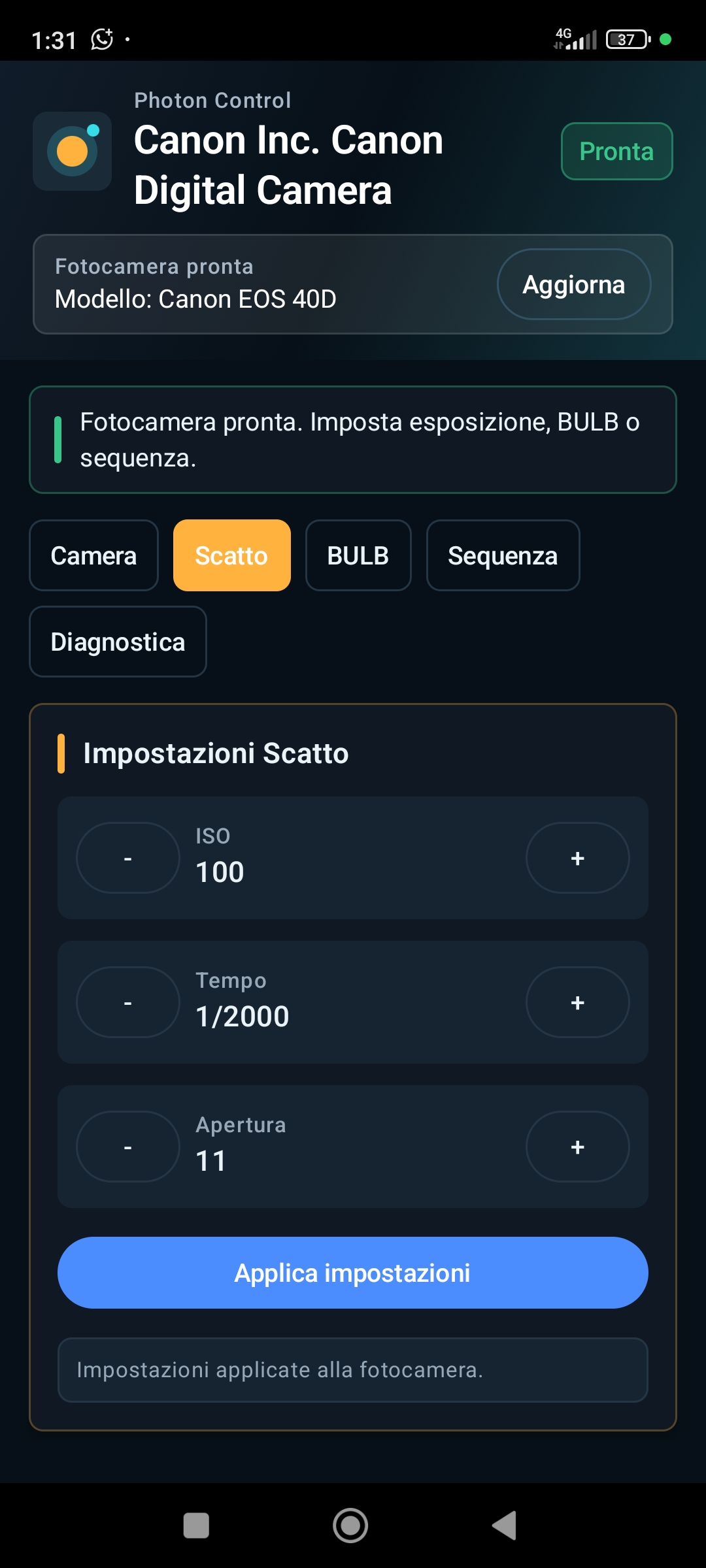
Read and change ISO, shutter speed and aperture when supported by the connected camera.
Android USB camera control
Control your compatible Canon EOS from Android and manage exposure, BULB, sequences and bracketing through an interface designed for field work.
Why Photon Control
Photon Control focuses on clear controls, wired connection and practical automation for tripod work, long exposures and repeatable sequences.
Read and change ISO, shutter speed and aperture when supported by the connected camera.
The OTG wired connection is stable, immediate and suited to field use.
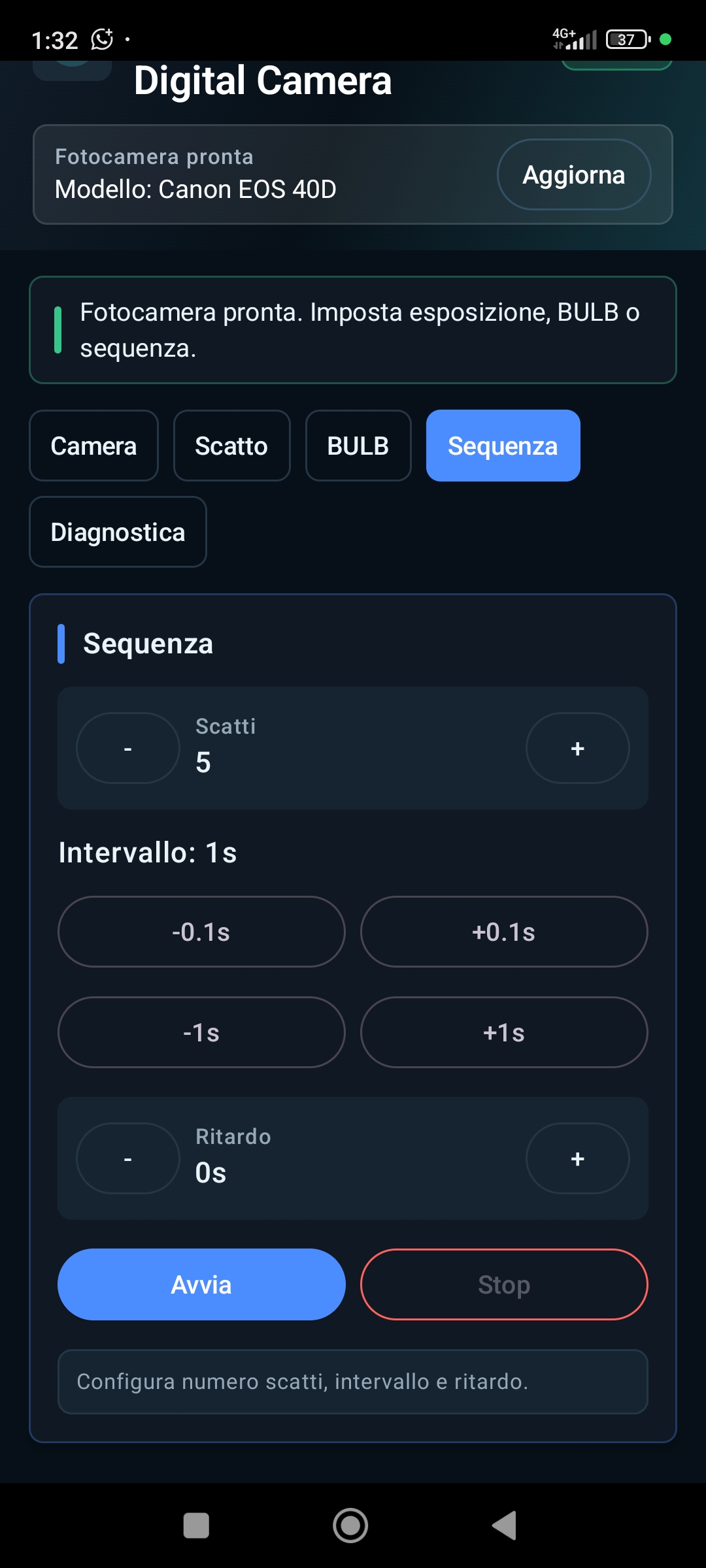
Program sequences, delays, intervals and exposure variation.
Clean layout, visible states and readable controls in demanding conditions.
Essential tools
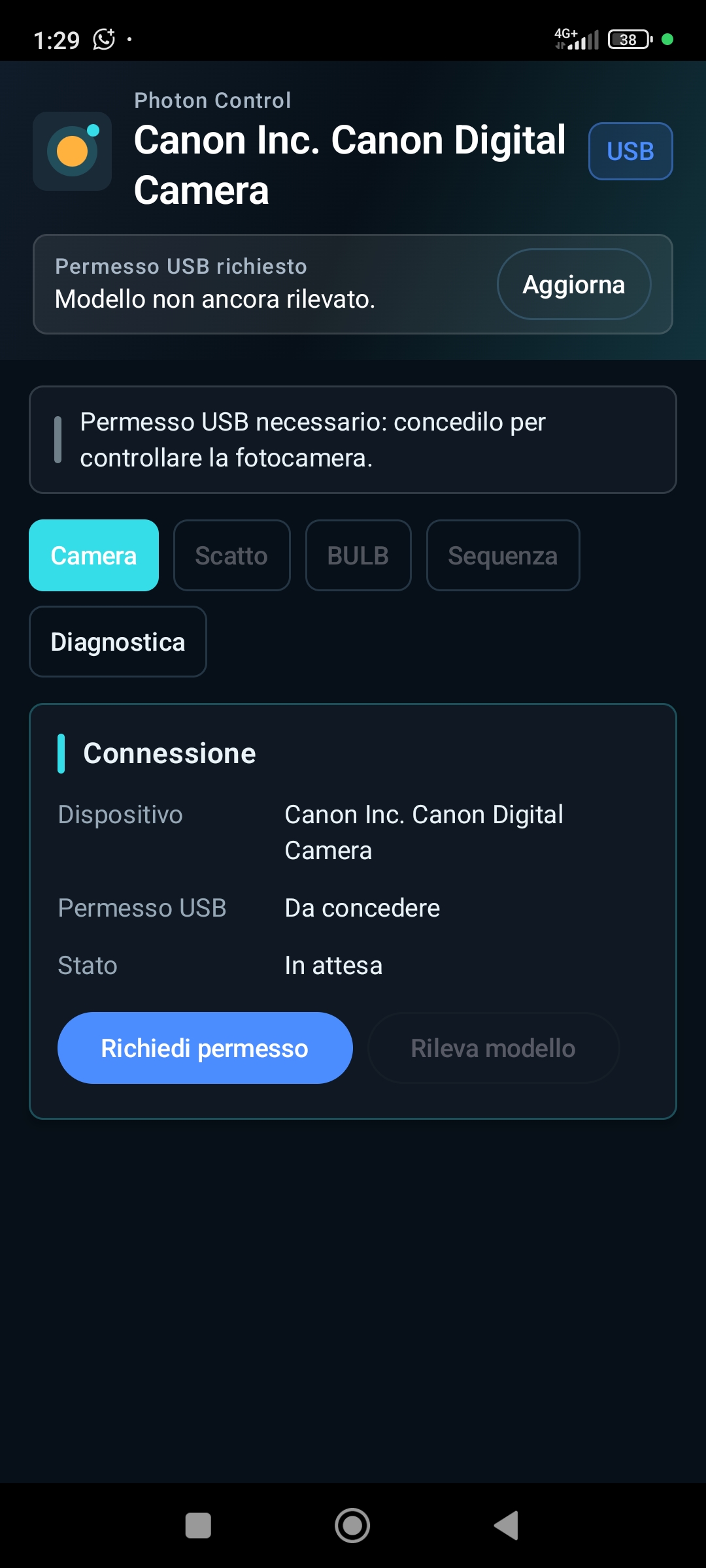
Connect your Canon EOS to Android through USB OTG.
Adjust ISO, shutter speed and aperture when available.
Shoot without touching the camera and reduce vibration.
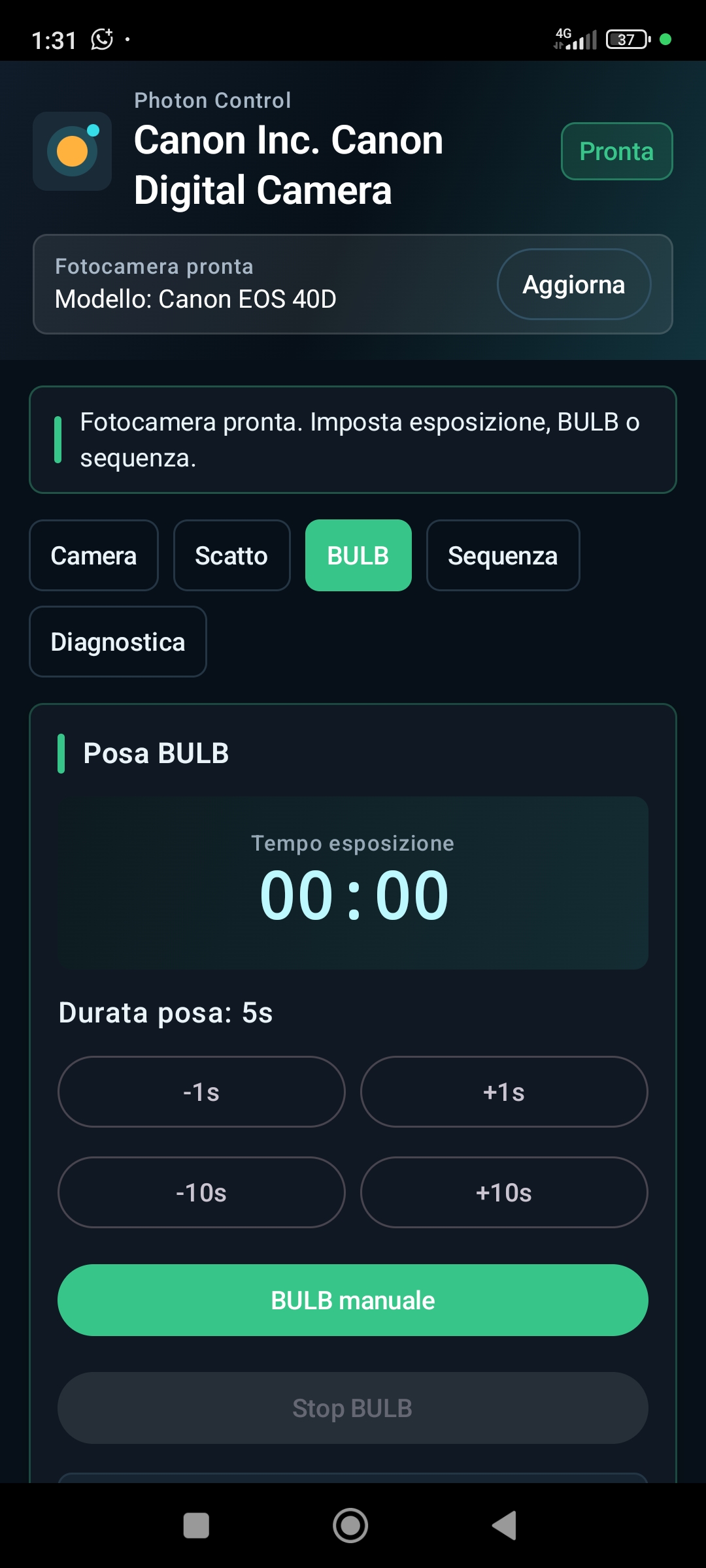
Timed or manual exposure, with a timer and immediate stop.
Set shot count, interval and initial delay.
Create series with configurable exposure changes.
A more discreet red palette for sessions in the dark.
Workflow
Use a USB OTG cable and allow Android to access the camera.
Choose your shooting settings or prepare a sequence.
Start a shot, a long exposure or the intervalometer.
Advanced bracketing
Set a shot series and a configurable stop variation. Useful for HDR, high-contrast landscapes, eclipses, night photography and experimentation.
A visual and controlled way to build a consistent sequence without manually changing settings shot by shot.
BULB and long exposures
For night photography, landscapes, light painting and any situation where exposure time is central to the shot.
The interface
Night Vision
The red palette is designed for night photography, astrophotography and dark environments, reducing the phone screen's light impact.
Same controls, more discreet palette for night sessions.
Use cases
Remote control and bracketing for high-contrast scenes.
BULB, timer and a readable dark interface.
Sequences and long exposures with the phone away from the camera.
Configurable exposure series for later blending.
Repeatable intervals with an initial delay.
Less vibration and less physical contact with the camera body.
Compatibility
Photon Control uses a USB OTG connection and works with every Canon EOS camera, together with an Android device that supports USB Host. Available settings depend on what each model exposes through the USB connection.
Support for every Canon EOS camera. Current version: 1.0.1.
FAQ
A lightweight, focused tool for remote shooting, long exposures and photographic sequences.